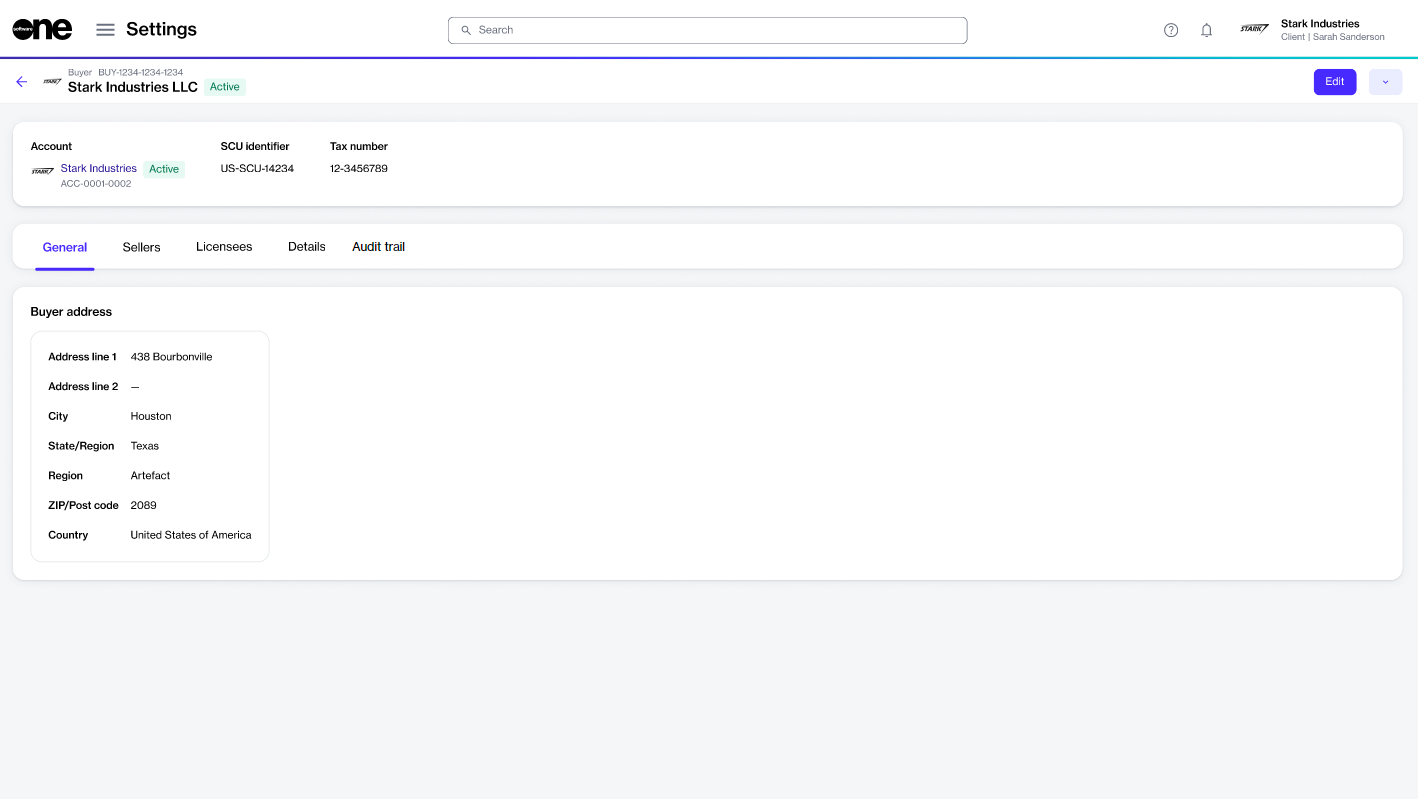
Edit the general information and contact person for a buyer.
After SoftwareOne links buyers to your account, you can manage them in the platform and update buyer details as needed. You can edit information such as the buyer’s assigned contact person and the buyer’s logo.
To update the buyer details:
Go to Settings > Buyers.
Select the buyer you want to update. The buyer details page opens.
Select Edit.
In the Edit buyer flow, do the following as needed:
General – Add or update the buyer's logo. You can upload an image by selecting Select file or by dragging the image into the field.
Buyer address – Update the buyer's address.