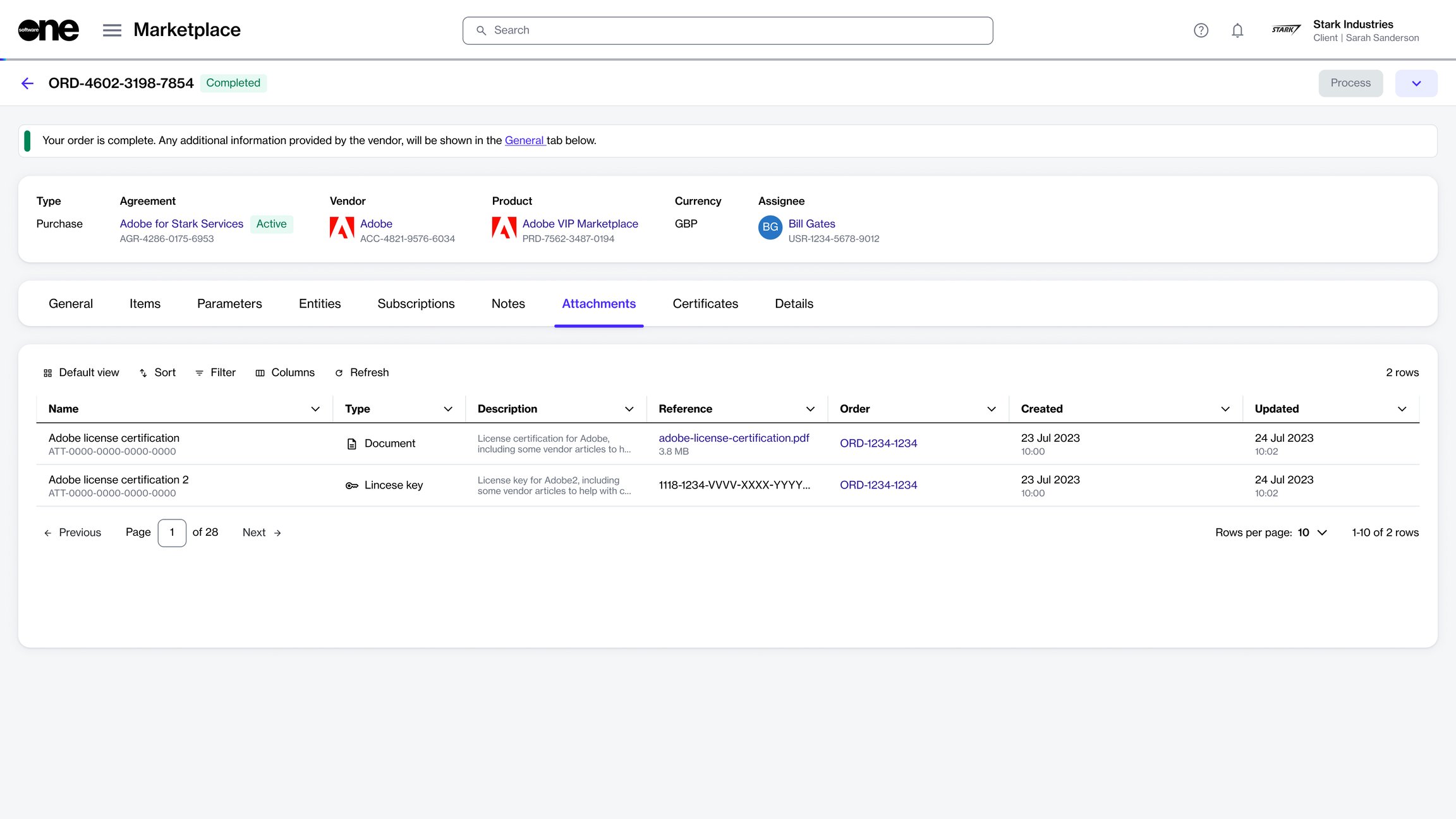
Access files related to your agreement.
The Attachments tab within the agreement details page shows all files associated with your agreement.
These files can include invoice PDFs, Excel files, license keys, or any other file added by SoftwareOne or the vendor. This topic describes how you can view and download these files.
To view or download agreement files:
Go to Marketplace > Agreements.
Select the required agreement.
On the agreement details page, select the Attachments tab.
Select the file name in the Reference column to download it to your system.