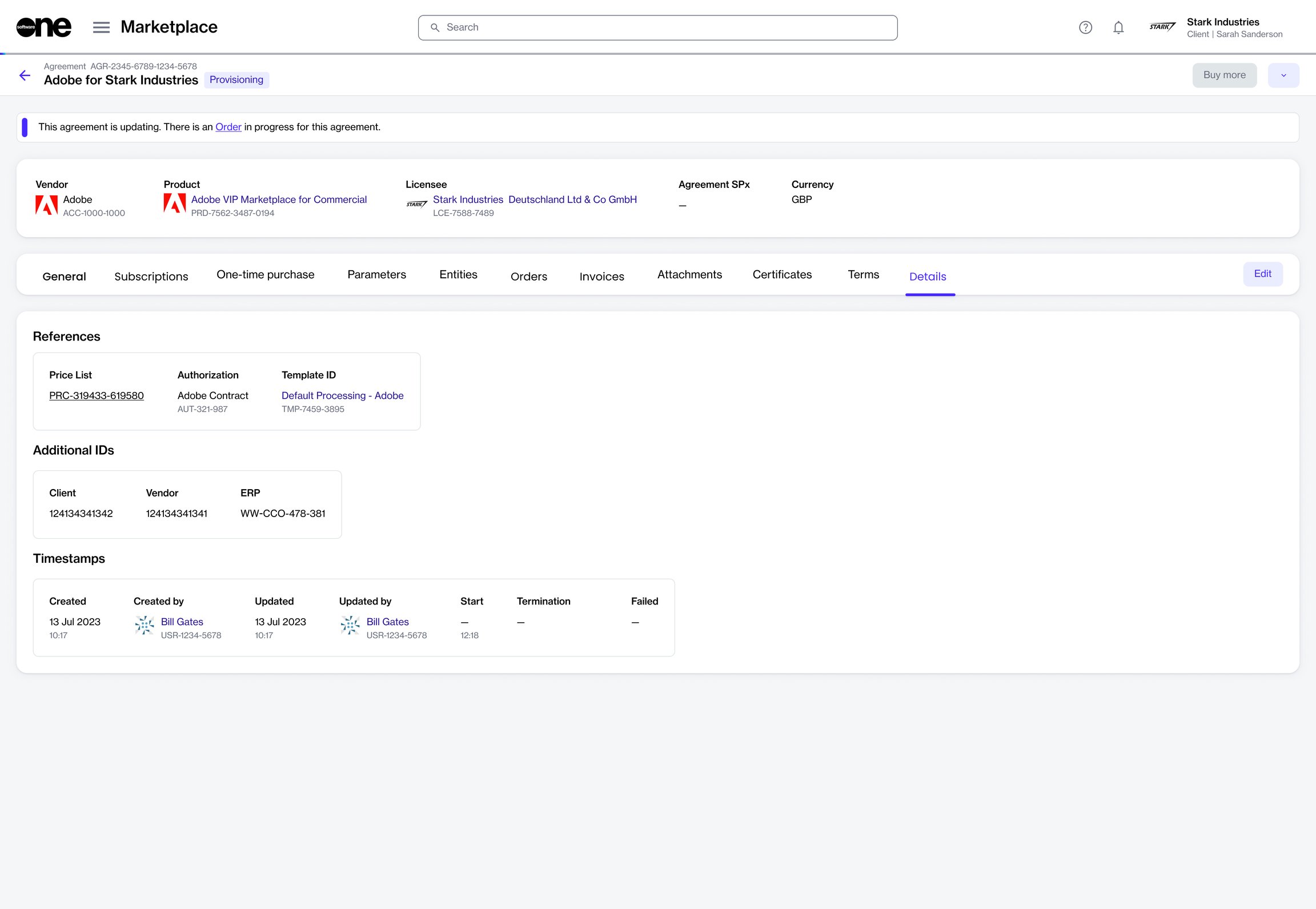
Add or update the additional client ID for an order.
The Additional Client ID field is a reference number associated with an agreement.
It is provided when an order is placed and, if included, appears in this field. If no number is entered at the time of ordering, you can add it manually later.
This reference is shown on your invoices as the PO number to help you match them for billing and invoicing purposes.
To add or update the Additional Client ID:
Go to Marketplace > Agreements.
Select the required agreement.
On the agreement details page, select the Details tab, then select Edit.
In the Edit ID dialog, add or update the client ID, then select Save.