Rename your active or updating subscriptions.
You can rename your subscription so you can find it easily in your list of subscriptions.
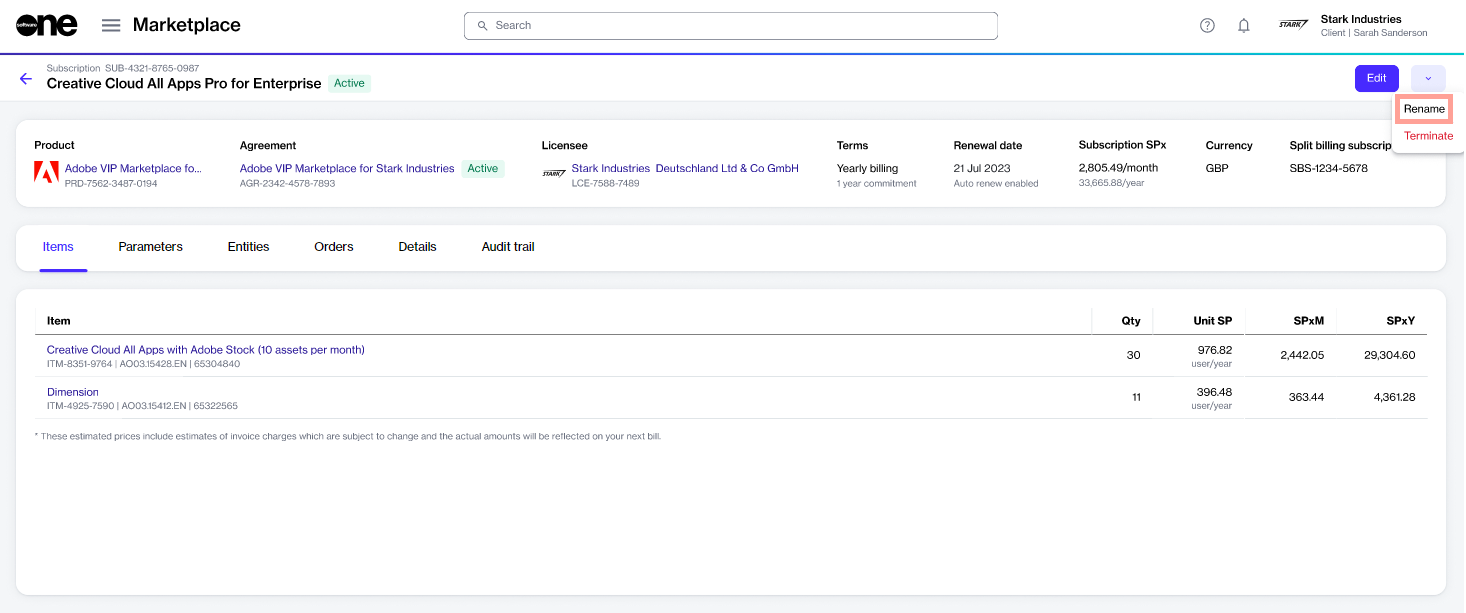
A subscription can be renamed using the Rename option on the subscription details page. Only active and updating subscriptions can be renamed.
To rename a subscription:
Go to Marketplace > Subscriptions.
Select the subscription to rename.
On the subscription details page, select the dropdown arrow , then choose Rename.
In the Rename dialog, enter the new name, then select Save. The subscription is renamed.