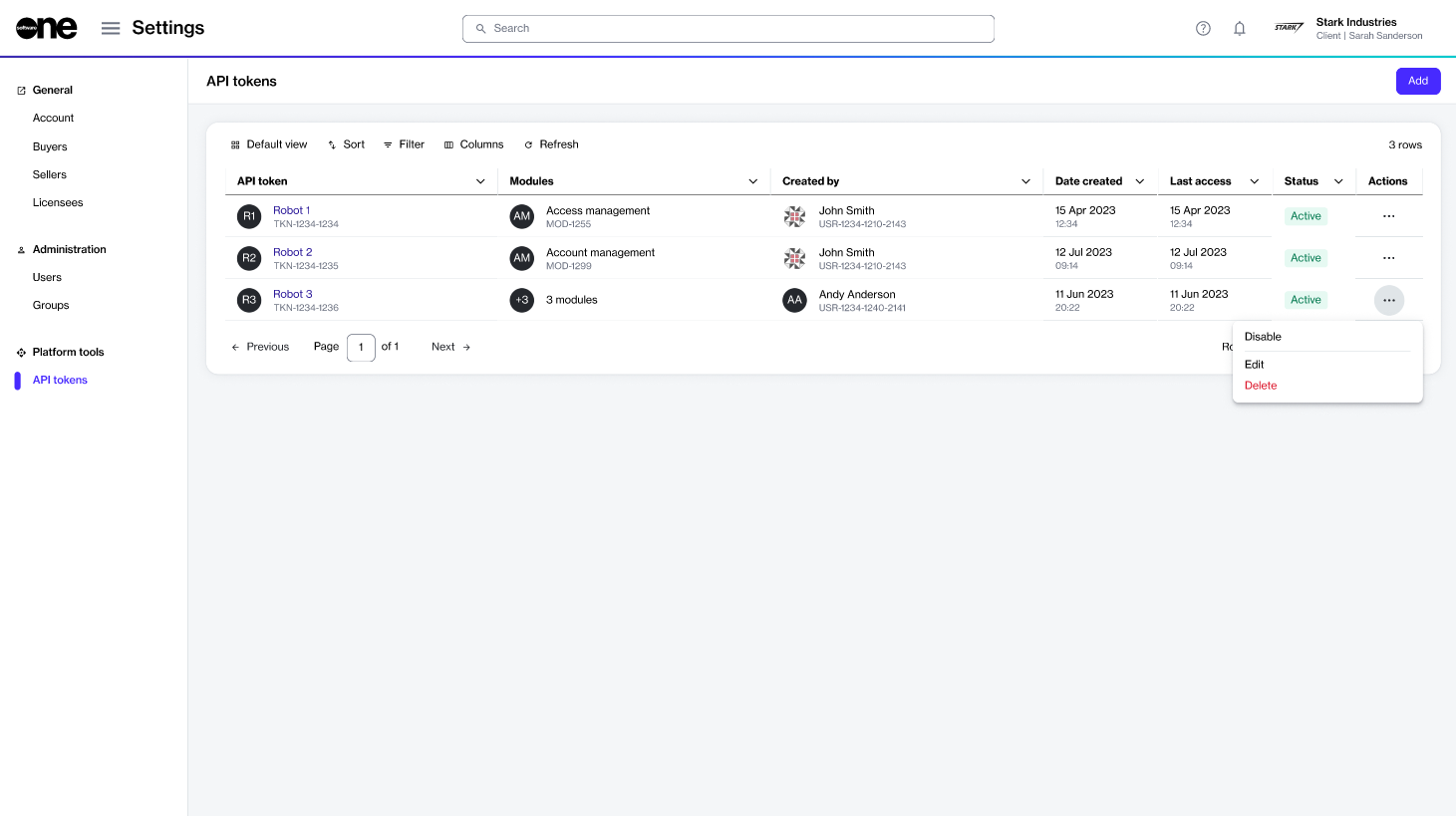
Delete an API token permanently.
If you no longer need a token, you can delete it from the API tokens page.
Before deleting a token, note the following points:
A deleted token can't be restored or reused.
Deleting a token removes it from the account, and it no longer appears on the API tokens page.
To delete a token:
Go to Settings > API tokens.
Find the token you want to delete.
Do one of the following:
Select the token to open the token details page. Then, select the dropdown arrow , and choose Delete.
On the API tokens page, select the actions icon (•••) for the token and choose Delete.
In the Delete API token dialog, confirm that you want to delete the token.
A message appears confirming that the API token was deleted successfully.