Copy an API access token.
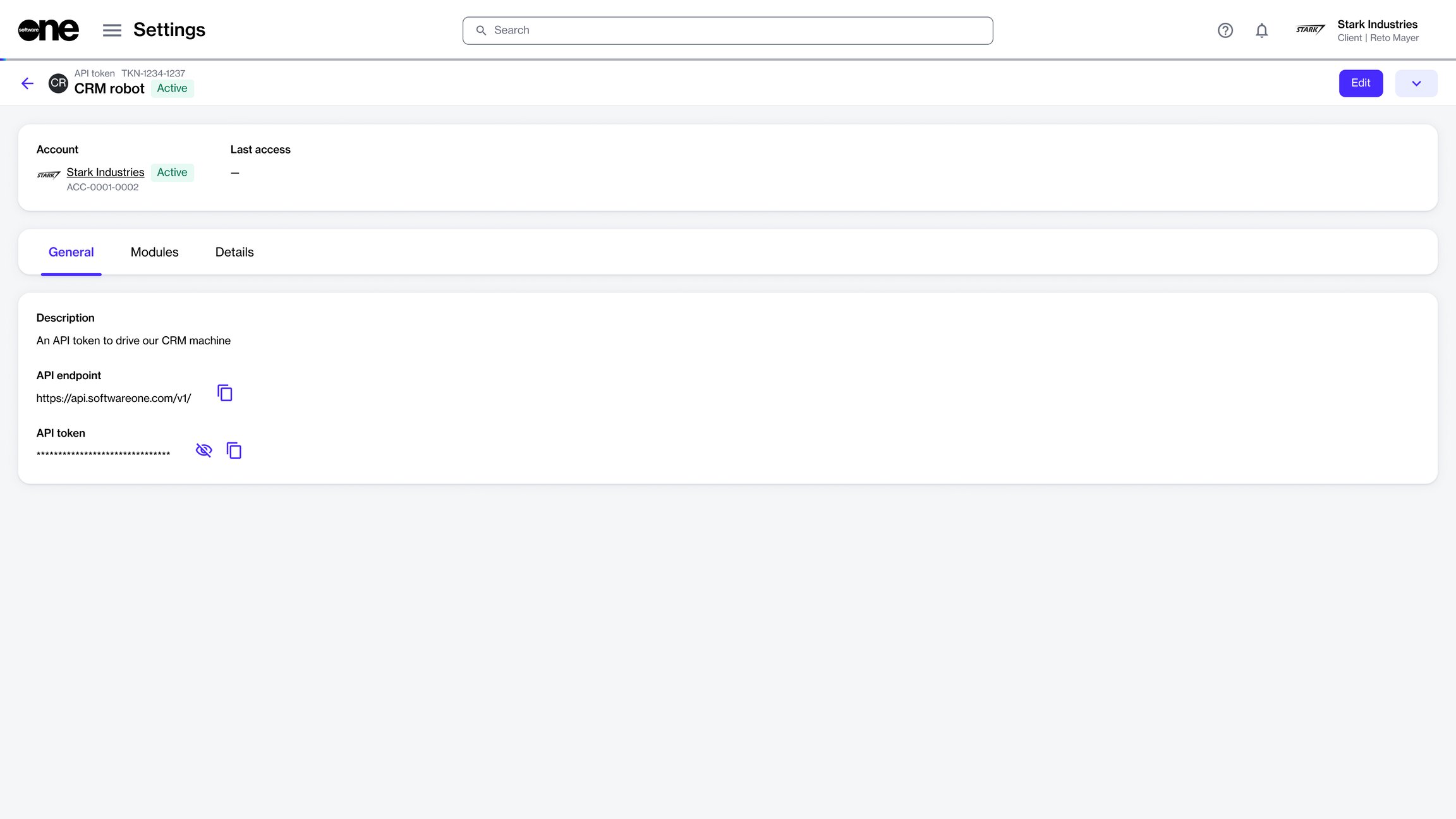
You can copy the API token from the token details page.
To copy an API token:
Go to Settings > API tokens.
Find and select the token you want to copy. The token details page opens.
On the General tab, do the following as needed:
Copy the endpoint – Select the copy icon next to the API endpoint.
Copy the token value – Select the copy icon next to the API token.
Show or hide the token value – Select the visibility icon to show the token value. Select the icon again to hide it.