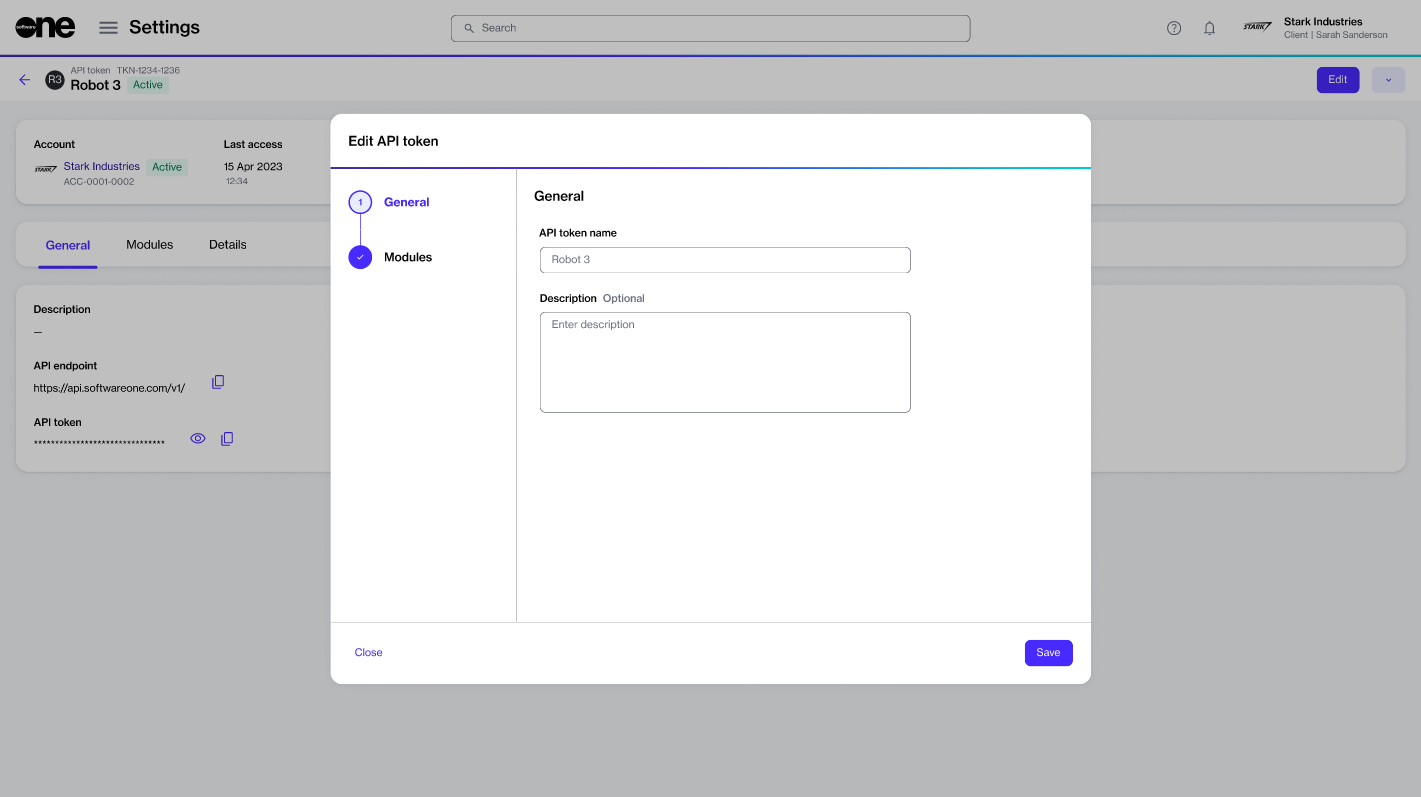
Update existing API token.
You can update an API token’s description and change the access scope through the Edit option on the token's details page.
To update the token details:
Go to Settings > API tokens.
Find the token you want to update.
Do one of the following:
Select the actions icon (•••) and select Edit.
Select the token. Then, on the details page, select Edit.
In the Edit API token flow, update the details as necessary:
General – You can update the token name and description.
Modules – You can update the access scope for the Modules.
Select Save. The token is updated.