Accept or decline your Marketplace invitation.
When you are invited to the Marketplace Platform by the SoftwareOne Operations team or your account administrator, you'll receive an invitation to join the account. This topic describes how to accept or decline the invitation.
To accept the invitation:
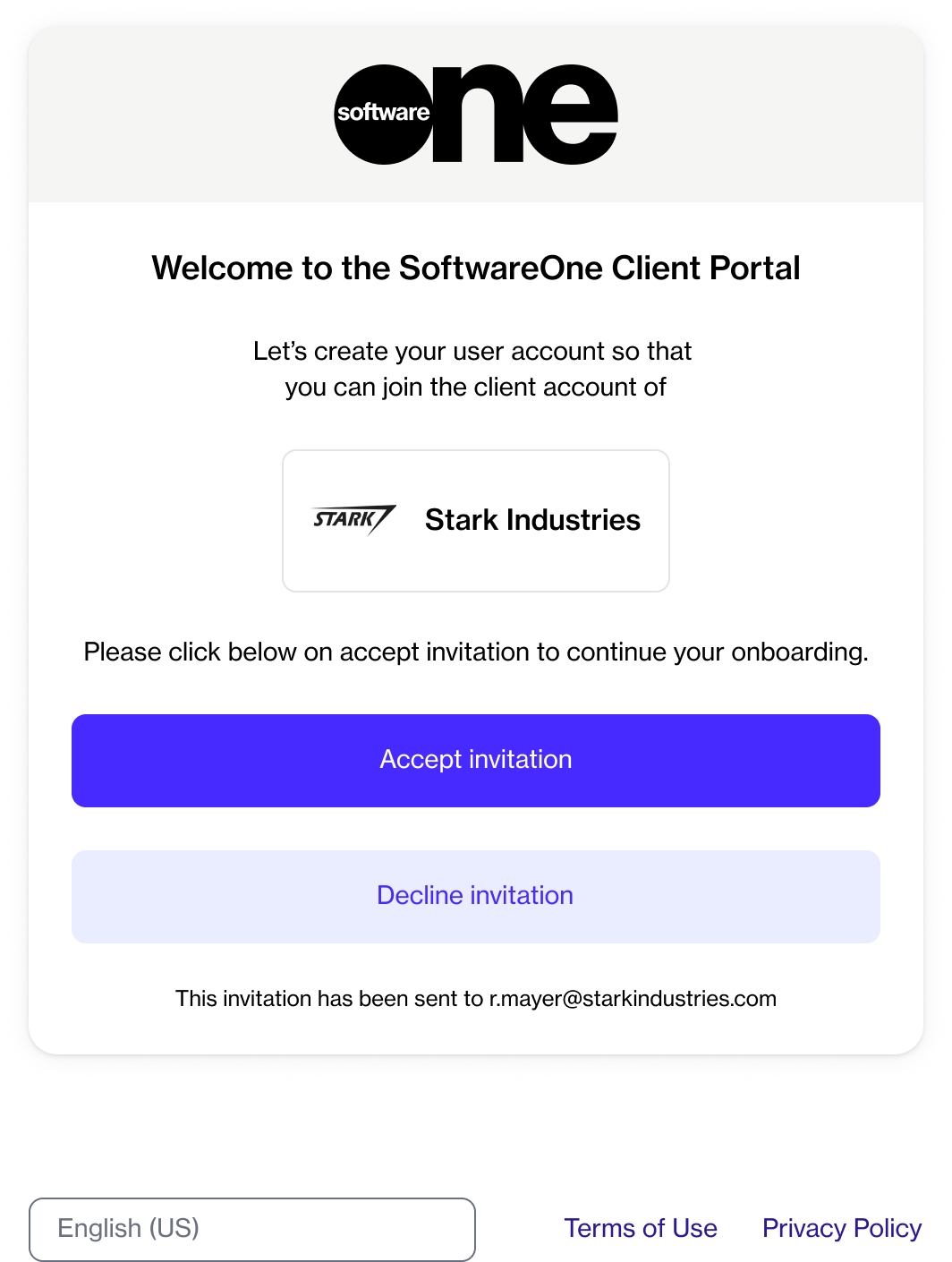
Select the invite link in your email. The following page is displayed:
Select Accept invitation.
On the account registration page, do the following:
Enter your first name and last name.
Enter your phone number.
Enter a new password, then confirm that your new password matches the one you entered in the Password field. Passwords must be at least eight characters long and must contain at least one lowercase (a-z) and one uppercase letter (A-Z), a number, and a special character. When you enter a new password, our password validation checks whether it meets the specified criteria.
You can decline an invitation if it was sent to you in error or if you choose not to join the account.
To decline:
Open the invitation link.
Select Decline invitation.
Select I agree to the SoftwareOne Client Portal Terms of Use.
Select Accept invitation.