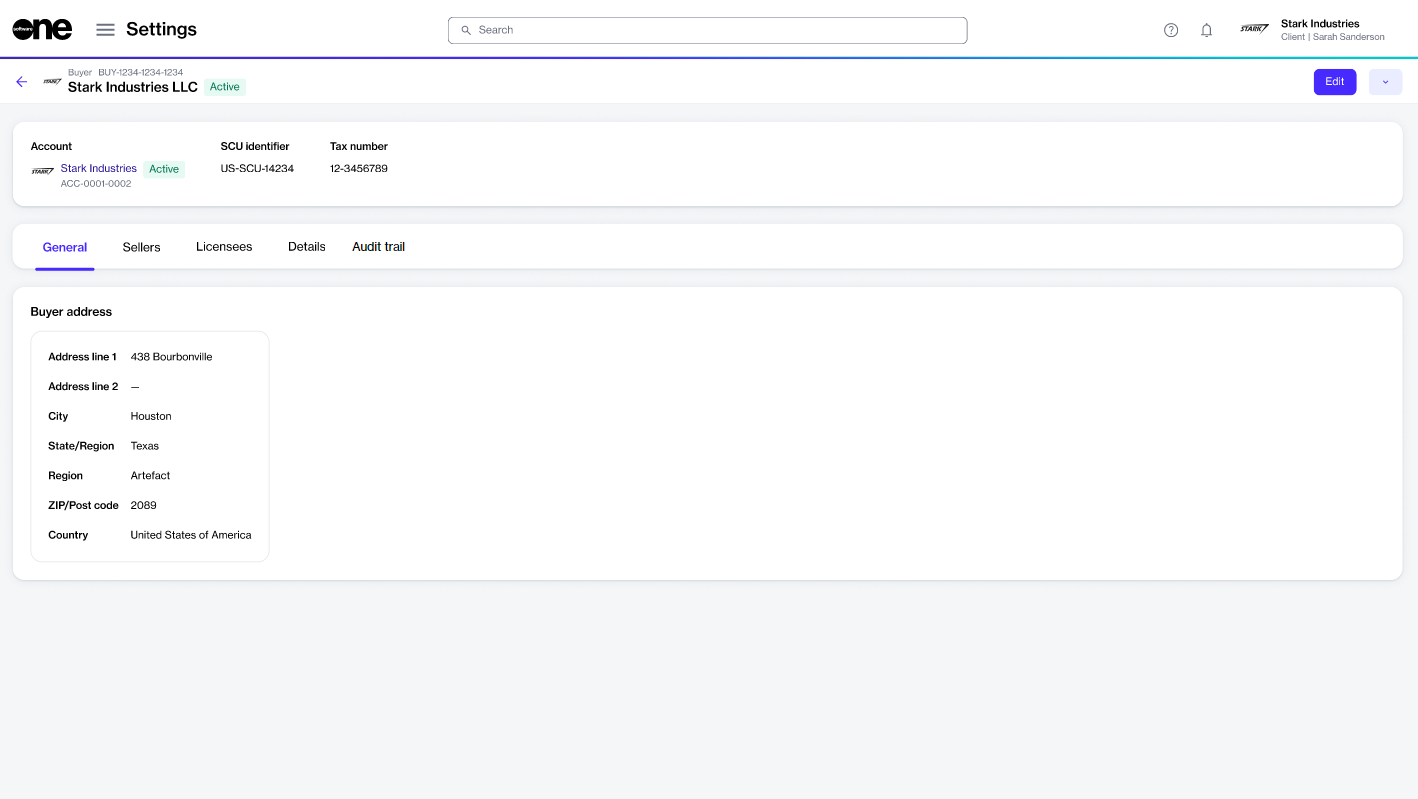
Edit the general information and contact person for a buyer.
After the buyers have been linked to your account by SoftwareOne, you can manage them through the platform and edit buyer details as needed.
The buyer information you can update includes the contact person assigned to the buyer and the buyer's logo.
To update the buyer details in your account:
Go to Settings > Buyers.
Select the buyer you want to update. The buyer details page opens.
Select Edit.
In the Edit buyer wizard, do the following as necessary:
General - Add or update the buyer's logo. You can upload an image by selecting Select file or by dragging the image into the field.
Buyer address - Update the buyer's address.
Select Save. The details are updated, and a confirmation message is displayed.
Last updated 12 days ago
Was this helpful?