
Copy API token
Copy an API access token.
Copying an API token
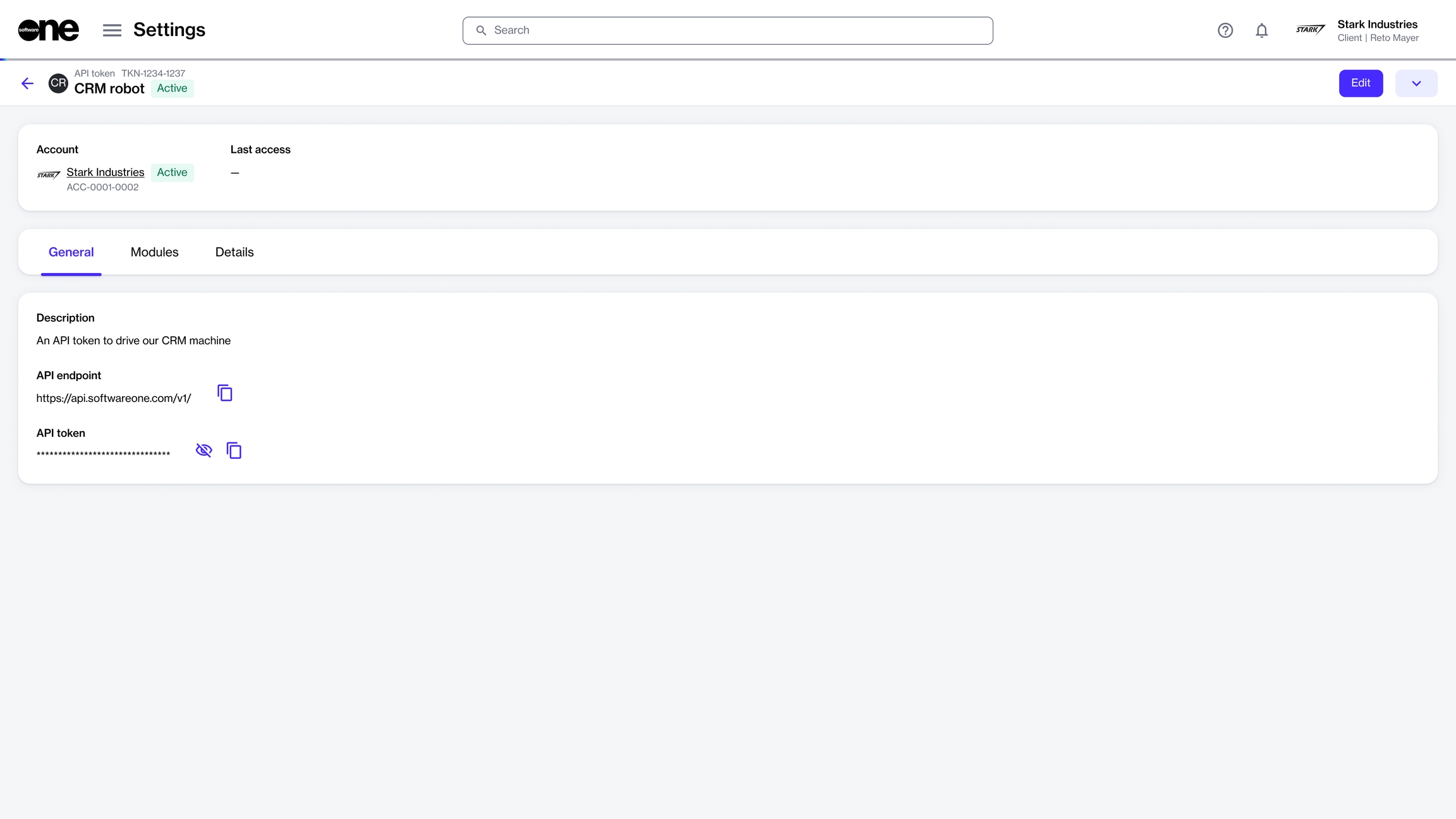
To copy the endpoint, select the copy option
 for the API endpoint.
 To copy the token value, select the copy option
for the API token.To show the token value, select the visibility icon
 . To hide the value, select the icon again.
Last updated
Was this helpful?