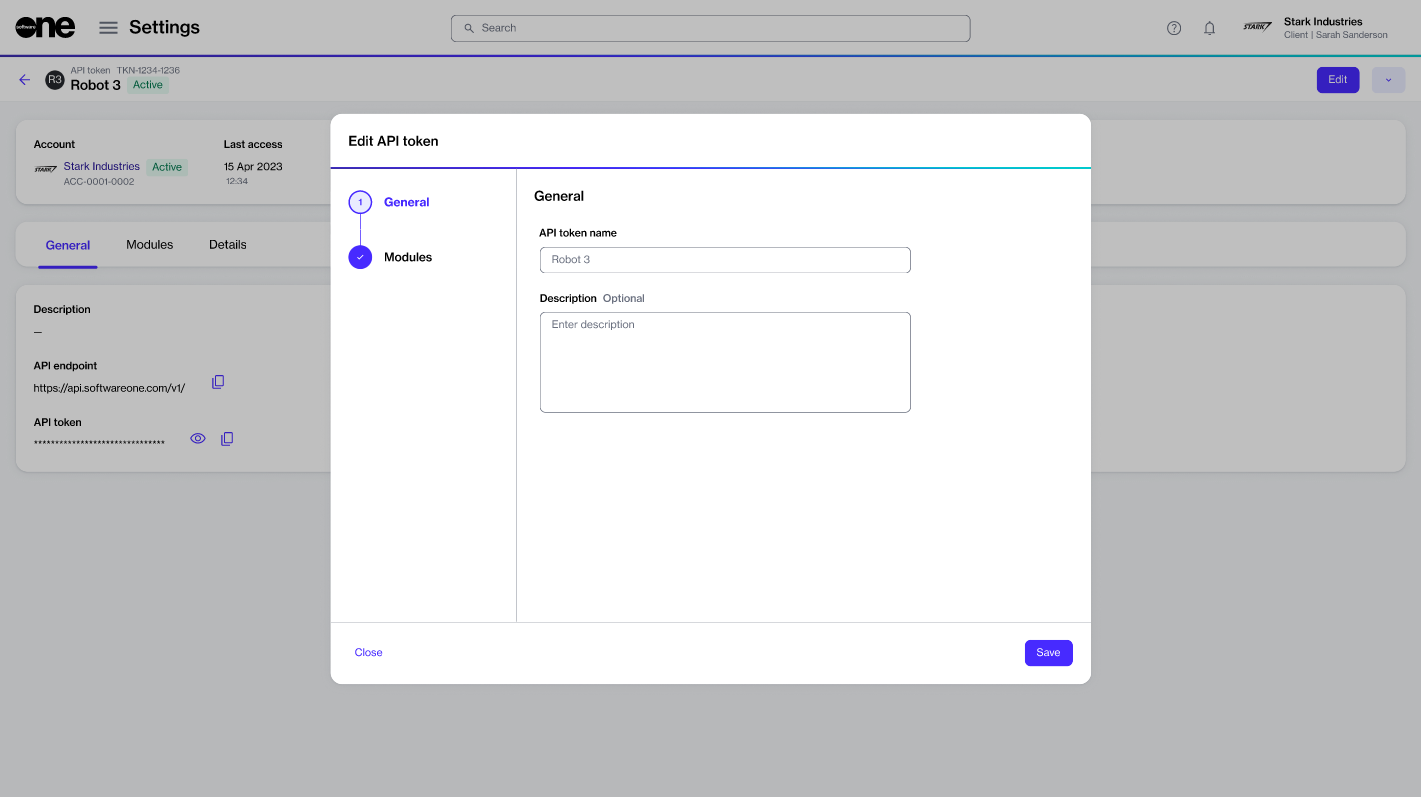
Update existing API token.
You can update an API token’s description and change the access scope through the Edit option on the token's details page.
To update the token details:
Go to Settings > API tokens.
Find the token you want to update.
Do one of the following:
Select the actions icon (•••) and select Edit.
Select the token. Then, on the details page, select Edit. The Edit API token page opens.
Modify the information as necessary:
In the General step, you can update the token name and description.
In the Modules step, you can update the access scope for the Modules.
Select Save. A confirmation message is displayed stating that the token is updated.
Last updated 14 days ago
Was this helpful?