Use this quickstart to get started in the Marketplace, place your first order, and manage your subscription.
This quickstart guide explains how to get set up in the SoftwareOne Marketplace, make your first purchase, track orders, and self-manage your subscription.
The page is split into tasks. Each task contains information and further links to detailed instructions.
After signing in, set up your profile and define preferences, including your name, profile picture, account language, and time zone.
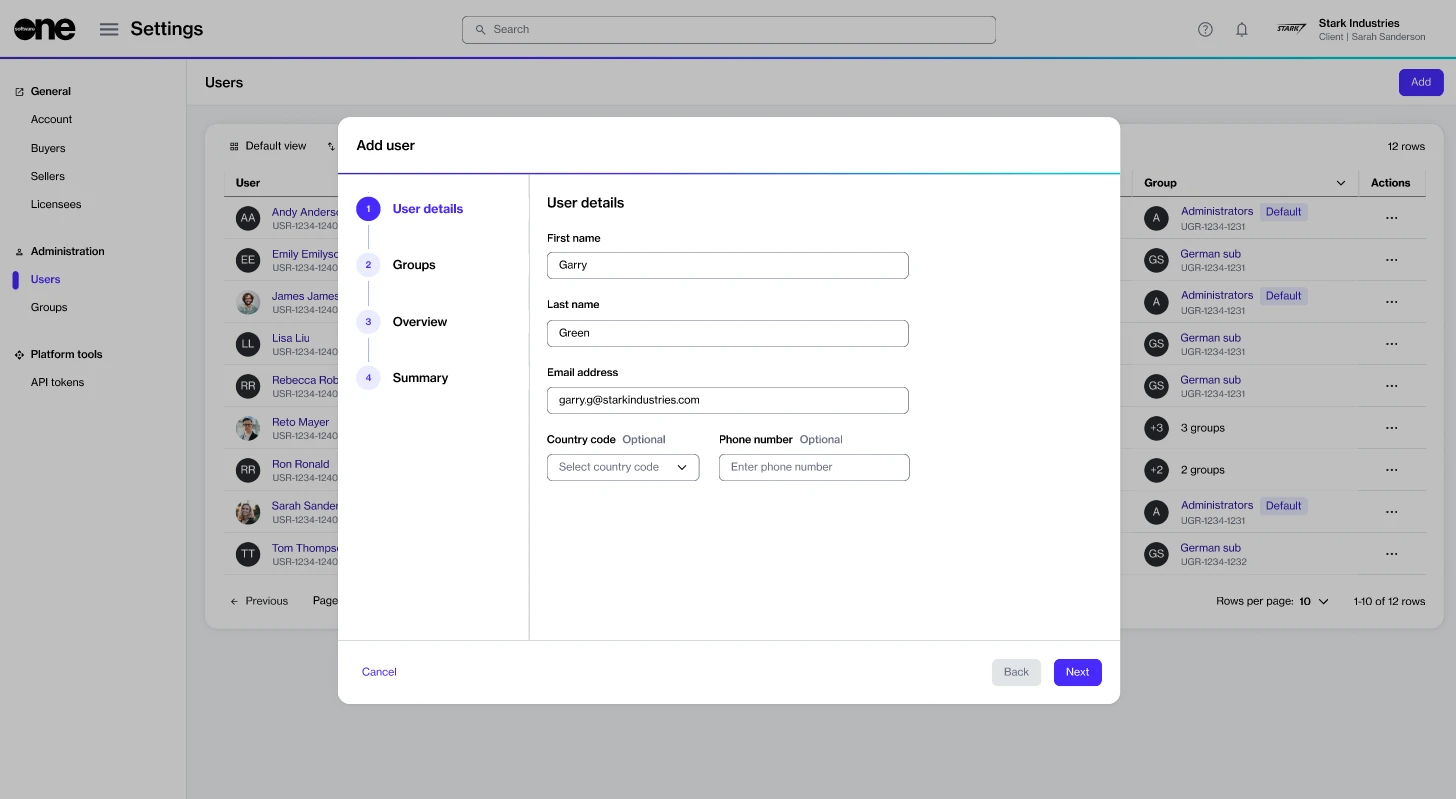
If you are an account administrator, you can perform additional account setup tasks, such as creating user groups and inviting users to your account.
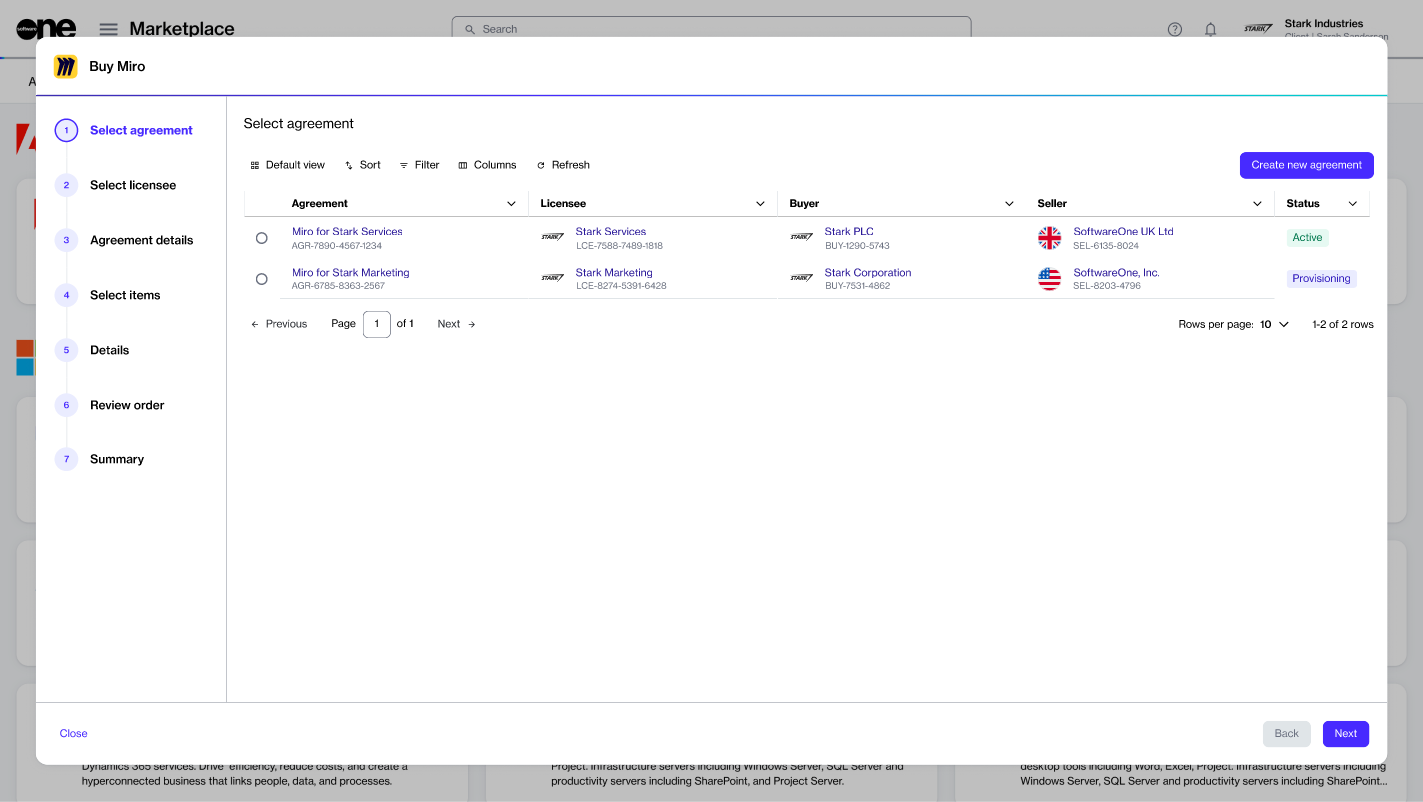
When you’re ready to make your first purchase, browse the catalog to view the available products, then place your order.
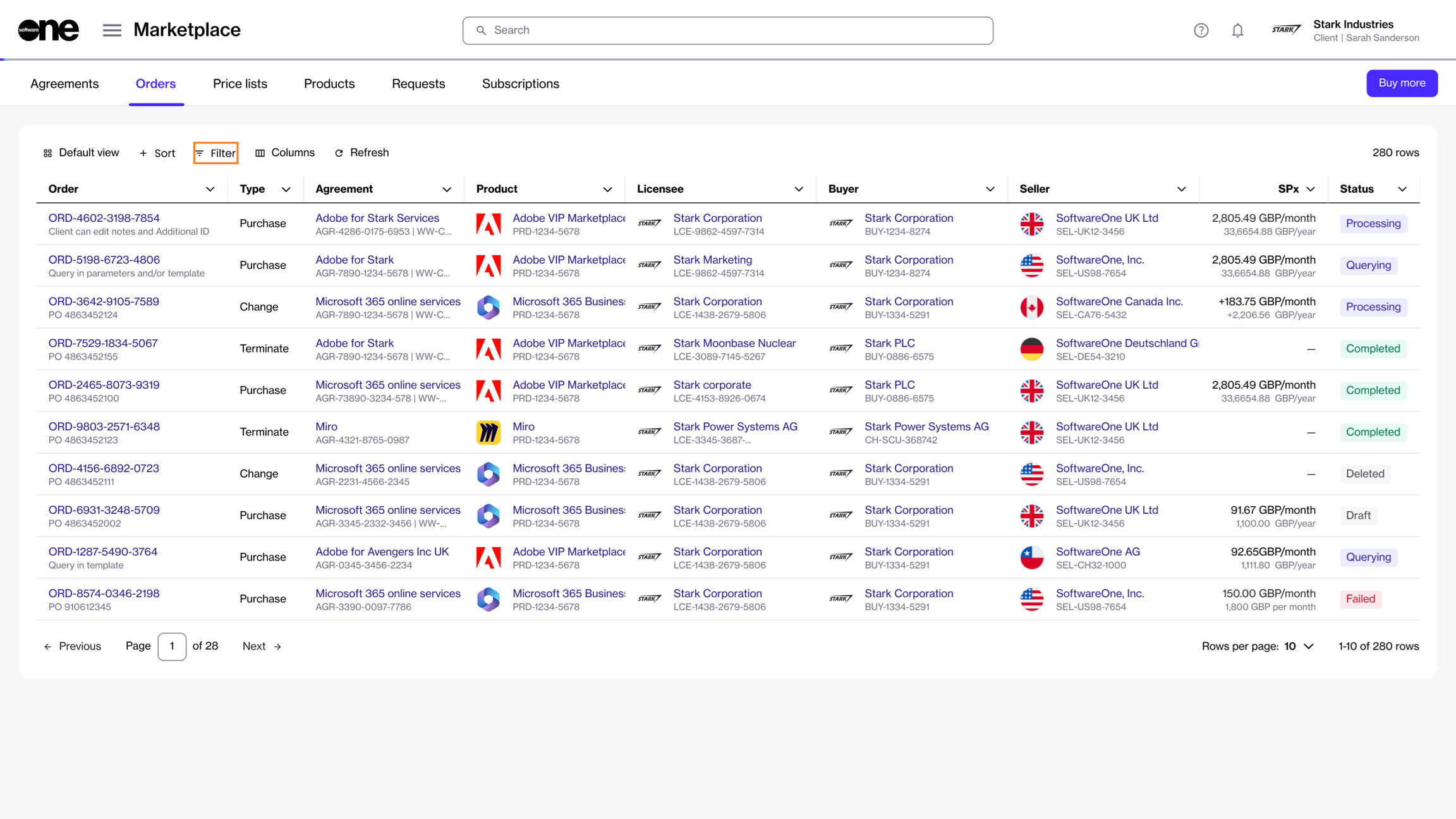
After placing the order, use the Orders page to view detailed information and check the status.
After your order is provisioned, manage your subscription from the Subscriptions page. This includes increasing or reducing the number of licenses and managing your subscription's renewal.
On the registration page, do the following:
Enter your first name and last name.
Enter a new password and then confirm that your new password matches the one you entered in the Password field.
Select the terms of use.
Select Accept invitation.
Sign in to your account using your email address and password.